 Fomo family
Fomo family transaction history helps distinguish an incomplete trade from a completed purchase
Fomo family provides transaction and trade history for reviewing an incomplete crypto trade. Wait while the original request remains unresolved; consider another attempt only after confirming that it cannot still complete. If execution succeeded but the displayed balance looks wrong, reconcile the recorded amounts before placing another order. A missing confirmation, an error message, and an unchanged portfolio value describe different problems. None alone establishes whether another purchase would duplicate the first. The useful distinction is between an unresolved request and a settled outcome, with recovery limited to the actions available for that particular trade.
Updated onRetry only after confirming that the previous request did not complete the intended trade, cannot still execute, and the available trade still meets your intended terms.
Separate a completed purchase from an unresolved request
A completed purchase has an execution outcome that you can match to the intended asset and amount. An unresolved request leaves that outcome uncertain, even when the app stops showing progress. Compare the incomplete entry with a completed trade for the same kind of operation. Look for the outcome and actual amounts wherever the available transaction details expose them. Do not assume that every operation presents identical fields.
When the records agree, ordinary balance review is enough. When they conflict, pause further submissions and investigate that request. A successful trade followed by a display problem needs reconciliation; a confirmed failure may justify a fresh attempt. The difference determines whether another authorization would repair the task or create additional exposure.
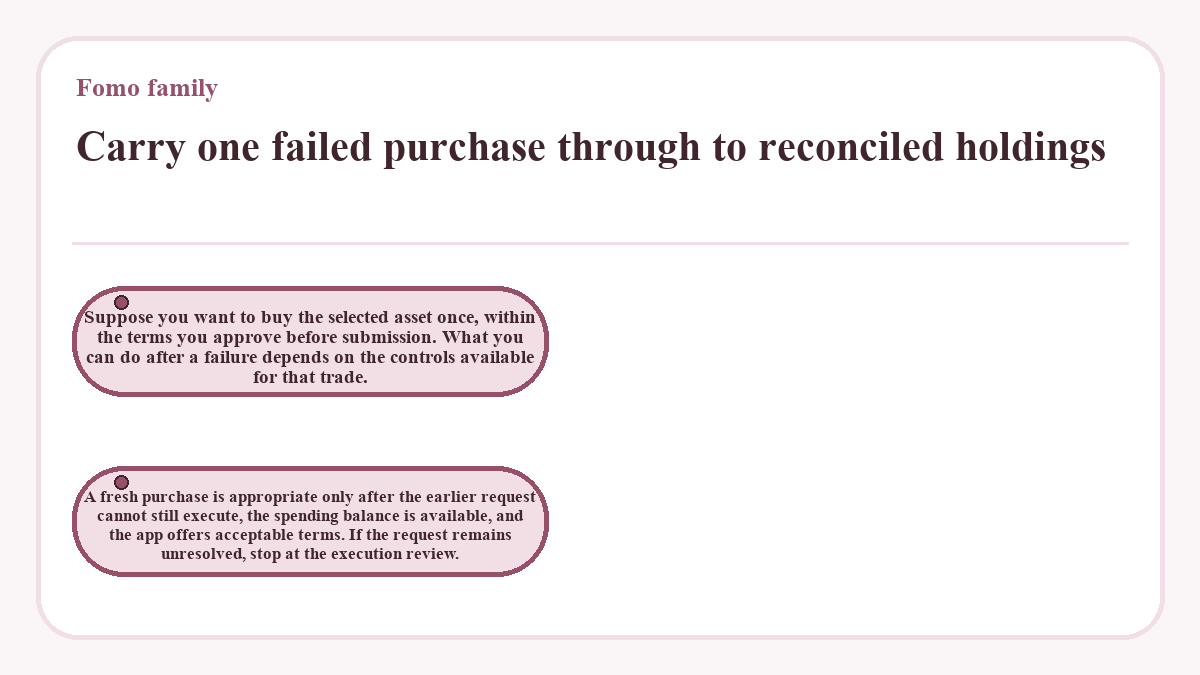
Carry one failed purchase through to reconciled holdings
Suppose you want to buy the selected asset once, within the terms you approve before submission. What you can do after a failure depends on the controls available for that trade. A fresh purchase is appropriate only after the earlier request cannot still execute, the spending balance is available, and the app offers acceptable terms. If the request remains unresolved, stop at the execution review.
| Purchase stage | What establishes progress | Required before proceeding |
|---|---|---|
| Review the intended purchase | The selected asset, spending amount, and proposed terms match the intended trade. | Access to the correct account and an available spending balance. |
| Authorize the request | The authorization concerns the reviewed purchase. | Acceptable terms and no unresolved earlier request for the same intended purchase. |
| Resolve the execution outcome | The relevant records establish success or failure; an unresolved state means you must keep investigating. | Details that identify the request and any associated transactions. |
| Reconcile the holdings | Recorded asset movements explain the balance change. | A resolved outcome, actual amounts, and any separately charged costs. |
If the earlier purchase definitively failed, a newly authorized purchase can produce the intended holding. Match that successful execution to the credited asset amount. Submitting again before resolving the first request could buy the asset twice.
How long should an incomplete trade stay on hold?
Keep another submission on hold while the earlier request could still execute; elapsed time alone does not establish that it has failed. A protocol transaction may expire under its own validity rules, but that does not necessarily resolve an entire application request with associated operations. Use the outcome of the relevant transaction and the request's overall status together. If neither explains the delay, seek help with the existing request rather than choosing an arbitrary retry interval.
A transaction identifier needs an execution result
A transaction identifier alone does not establish successful execution. It identifies the transaction that needs examination. Submission, inclusion, execution, and confirmation describe different parts of processing. Where a transaction record is available, inspect its outcome and the asset movements relevant to the trade. A record for an associated transfer does not, by itself, prove that the intended purchase completed.
A missing search result also needs care. The lookup may use the wrong network, or the data service may lag. Treat the result as unresolved until the available evidence supports a narrower conclusion. Confirmation and expiration rules vary across networks, so a timing rule from another transaction type may not apply.
When is another buy or sell a new trade?
Treat another buy or sell authorization as a new trade unless the available control explicitly continues or replaces the existing request. The word retry alone does not explain what will happen underneath.
Rebroadcasting an identical signed transaction differs from creating and signing a new transaction. Network duplicate protection for the former does not automatically protect a separately authorized order.
That distinction matters after a timeout. A timeout can describe the application's failure to obtain a response while leaving execution uncertain.
Before authorizing again, establish whether the earlier transaction executed, remains valid, or ended without execution. If several operations belong to the request, resolve their relevant outcomes too. Do not treat the expiration of one transaction as proof that the application has abandoned every associated operation.
If the interface does not explain whether its recovery action creates another order, stop and ask about that specific request. Guessing can turn one unclear purchase into two.
Adjust only the setting linked to the failure
A confirmed failure gives a reason to review the proposed trade, not permission to change every setting. Read the exact error and connect it to an editable input. An unavailable balance, an unacceptable execution price, and an unsupported operation require different responses. If the application exposes no relevant control, repeated submission does not create one.
A swap with an enforced minimum output reverts when execution would deliver less than that minimum. If such a check caused the failure, review a fresh quote before considering any available tolerance adjustment. Increasing tolerance permits a worse execution outcome; it does not restore missing liquidity or repair an unrelated contract error. Keep the proposed trade within the terms you intended to accept.
Match token amounts before interpreting balance value
Use asset quantities to reconcile a completed trade before interpreting the portfolio's money value. Market prices can change that value without changing the number of tokens held. Compare the recorded amount spent and received with the corresponding holdings, allowing for other transactions during the same period. Keep each asset separate rather than subtracting unlike token quantities.
Fomo displays its applicable transaction fee before confirmation. Separately imposed execution costs may also affect the outcome, and estimates need not capture every cost at settlement. Record charges in the asset in which they occur and avoid counting a fee twice when it already forms part of a displayed total. An unexplained difference deserves investigation; buying again will not explain it.
A funding delay belongs to its own transaction
A purchase that lacks an available spending balance requires checking the funding operation separately. A payment authorization, a crypto transfer, and a completed purchase establish different outcomes. Identify which operation moved funds and which operation remains incomplete. If funding has not arrived, another purchase attempt cannot establish its whereabouts. If the purchase succeeded, investigate any later transfer independently rather than treating every balance discrepancy as the same failed trade.
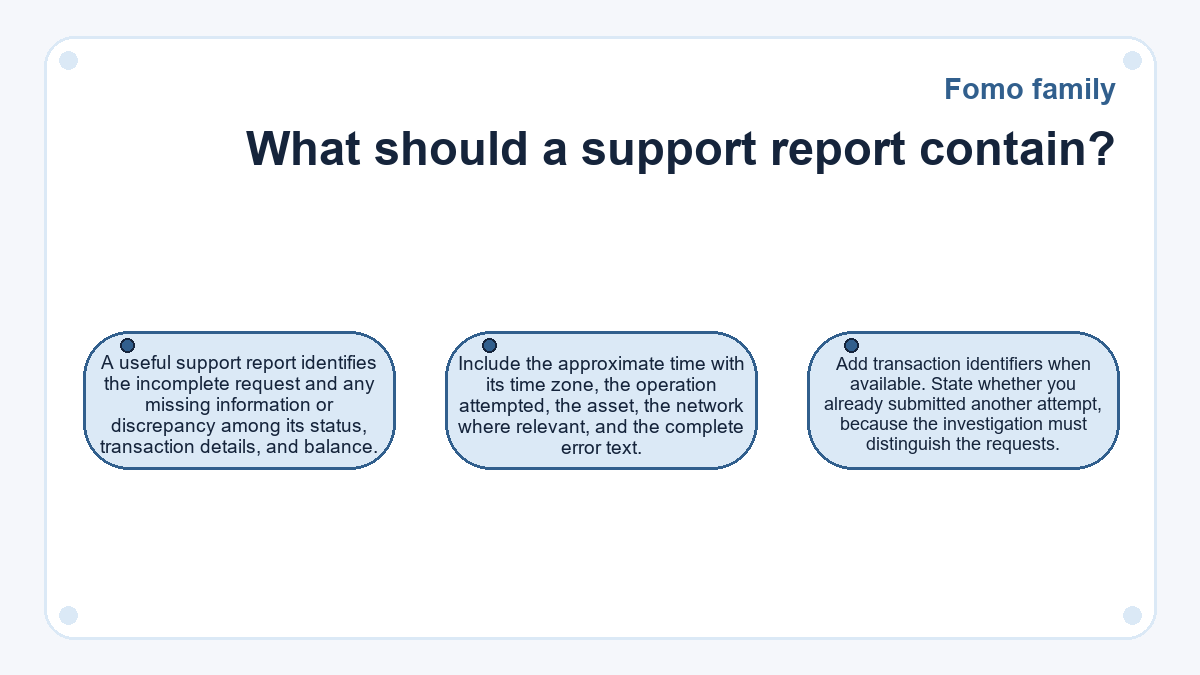
What should a support report contain?
A useful support report identifies the incomplete request and any missing information or discrepancy among its status, transaction details, and balance. Include the approximate time with its time zone, the operation attempted, the asset, the network where relevant, and the complete error text. Add transaction identifiers when available. State whether you already submitted another attempt, because the investigation must distinguish the requests.
Describe whether the input balance decreased, the expected holding appeared, or only the displayed value changed. These observations narrow the problem without asserting an unproven cause. Share relevant screenshots privately and remove unrelated account information. Passwords, signing keys, recovery phrases, and login codes do not belong in a transaction report.
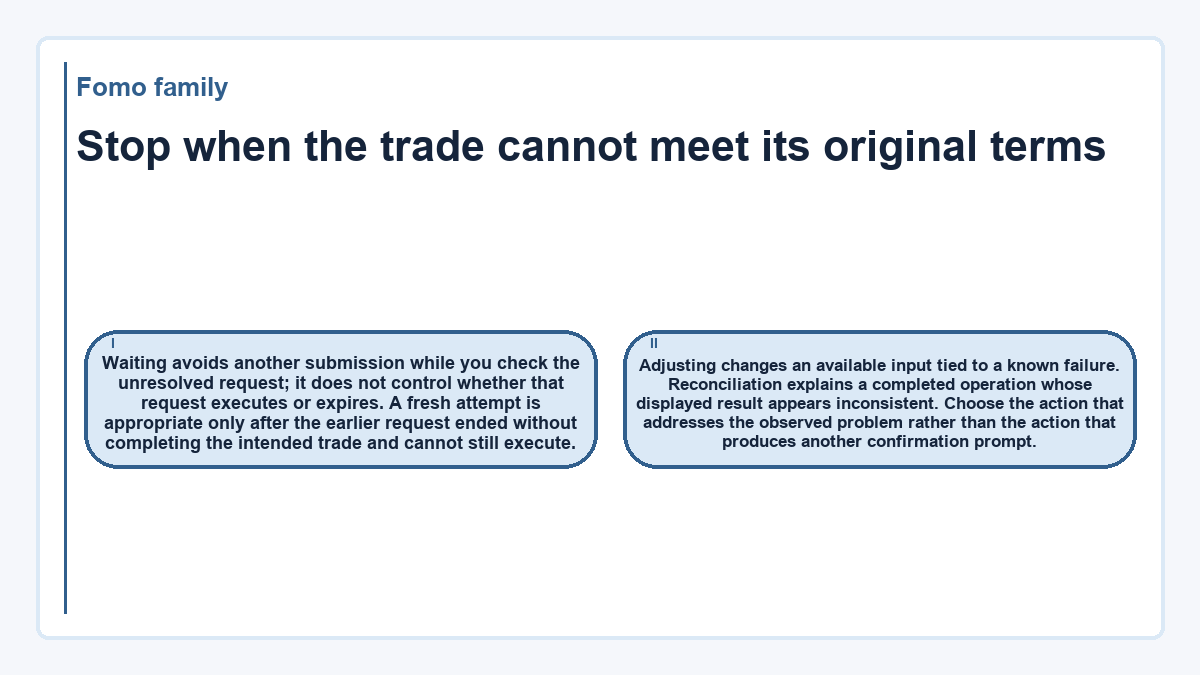
Stop when the trade cannot meet its original terms
Waiting avoids another submission while you check the unresolved request; it does not control whether that request executes or expires. A fresh attempt is appropriate only after the earlier request ended without completing the intended trade and cannot still execute. Adjusting changes an available input tied to a known failure. Reconciliation explains a completed operation whose displayed result appears inconsistent. Choose the action that addresses the observed problem rather than the action that produces another confirmation prompt.
Stop new submissions when the original request remains ambiguous, the necessary control is unavailable, or the fresh terms exceed what you intended to accept. For an incomplete sale, stopping retries does not remove the existing holding or its market exposure. Preserve the unresolved request's details so that further investigation concerns the same operation.
Fomo family questions, answered
Does closing the app cancel an incomplete Fomo family trade?
Closing the app is not confirmation that a submitted trade has been cancelled. Once a request has reached the infrastructure that processes it, the local screen does not establish its execution outcome. Reopening the app may help you inspect the record, but cancellation requires evidence about the request itself.
Is a screenshot enough to establish that a trade failed?
A screenshot establishes what the interface displayed at that moment, rather than the final transaction outcome. It is useful for preserving an error message and its context. Keep any associated transaction identifier and timestamp too, so the displayed failure can be matched to the relevant request.
What should you check if the same token repeatedly fails to sell?
Repeated failures involving one token justify investigating that token's execution conditions before changing general account settings. Preserve the exact error and compare the failed requests. Insufficient liquidity, an execution constraint, and a token transfer restriction are different possibilities; the repeated failure alone does not identify which applies.
How should several transaction identifiers for one purchase be interpreted?
Several identifiers do not automatically mean that several purchases completed. A request can involve associated operations, while separate authorizations can also produce distinct transactions. Match each identifier to its operation, outcome, and asset movements. Count completed purchases from those records rather than from the number of identifiers.
Are all costs automatically returned after a failed trade?
A failed trade does not establish a universal refund outcome for every associated cost. Application fees and costs imposed during execution are separate questions. Identify any actual debit and the operation that caused it before describing it as refundable or lost. Ask about the specific charge when its treatment remains unclear.
Should an incomplete trade be deleted from a personal transaction log?
Keep an incomplete trade in your personal log until its outcome and related balance movements are explained. Mark its status clearly and retain the identifiers for any later attempts. Removing it early makes duplicate purchases and unexplained debits harder to distinguish during reconciliation.
Which details should be hidden when sharing a failed-trade screenshot publicly?
Hide login information, recovery material, unrelated balances, and personal account details before sharing a screenshot publicly. A wallet address or transaction identifier can also connect the post to publicly visible activity. A private support report can retain the transaction details needed for investigation without exposing them to a wider audience.